Internal media infra for a rising I.E. blog
Design Engineering
Introducing an internal media archive and storage tool for Bum Diary's photo catalog
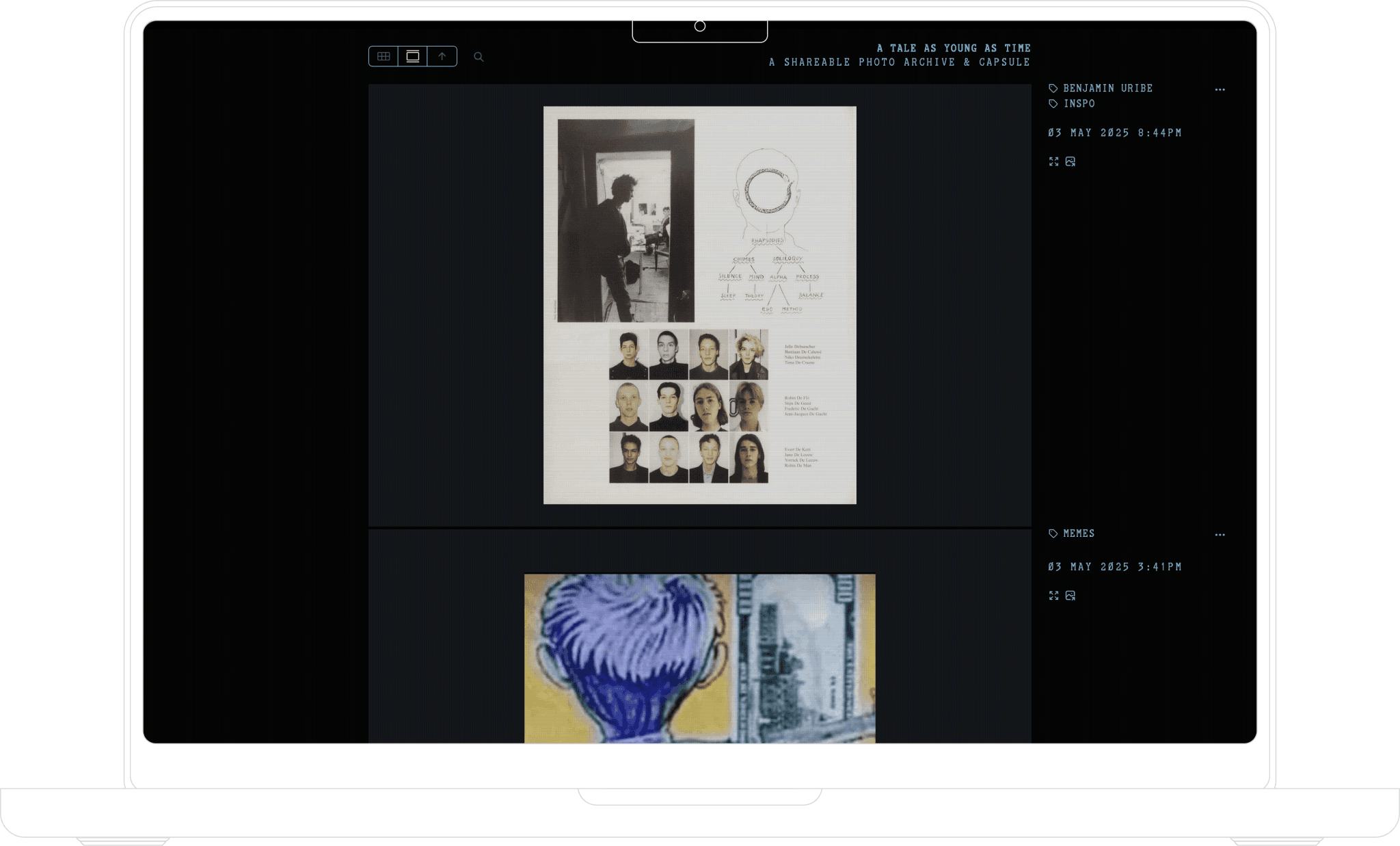
-> An internal media archive and public-facing extension of the Bum Diary blog built to elevate image-based storytelling.
When
January –– May '25
For
Bum Diary
Discipline
Design engineering, front-end, photo-sharing
Tools
Figma, Cursor, Next.JS
Challenges
Research
We interviewed our internal team ––photographers, writers, and editors –– to understand friction points with the existing workflow. We also studied media archives from zines, museum collections, and niche publishing blogs.
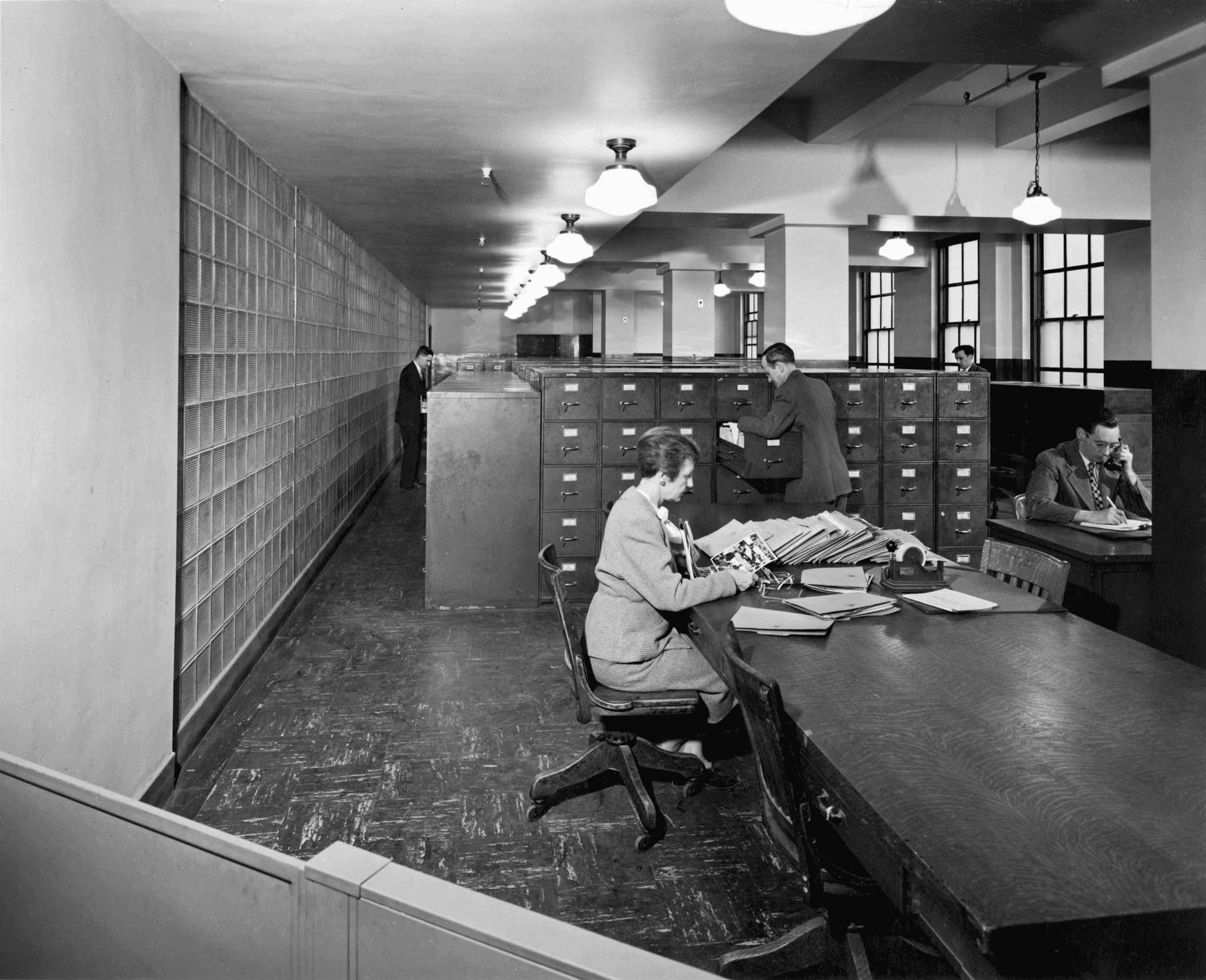
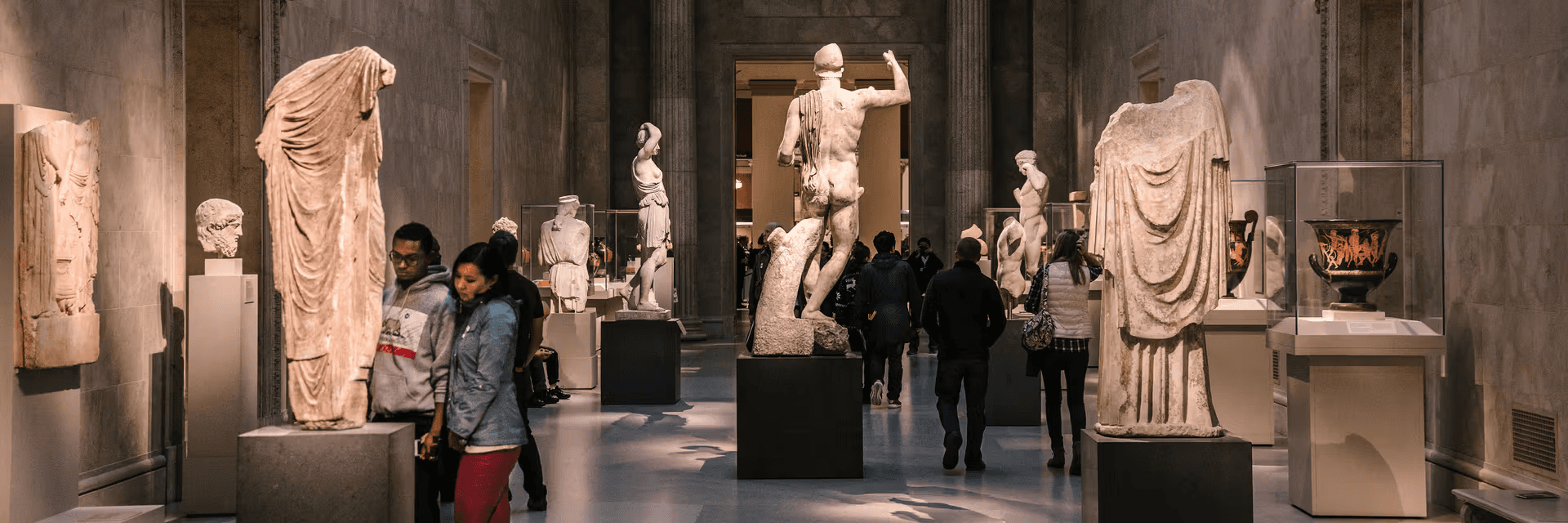
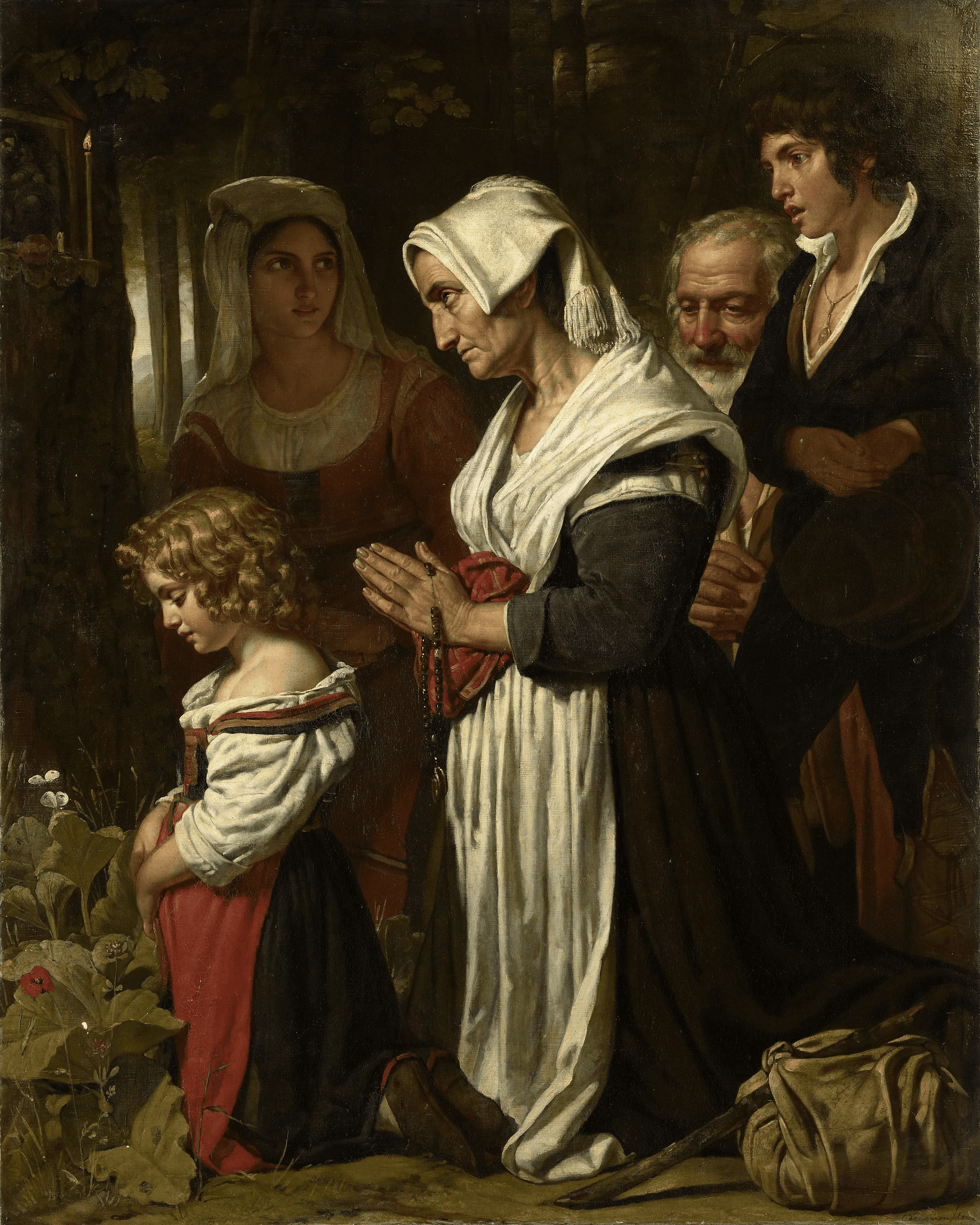
Insight –> Content fragmentation hindered storytelling; a unified, dual‑purpose archive was essential.
Solutions

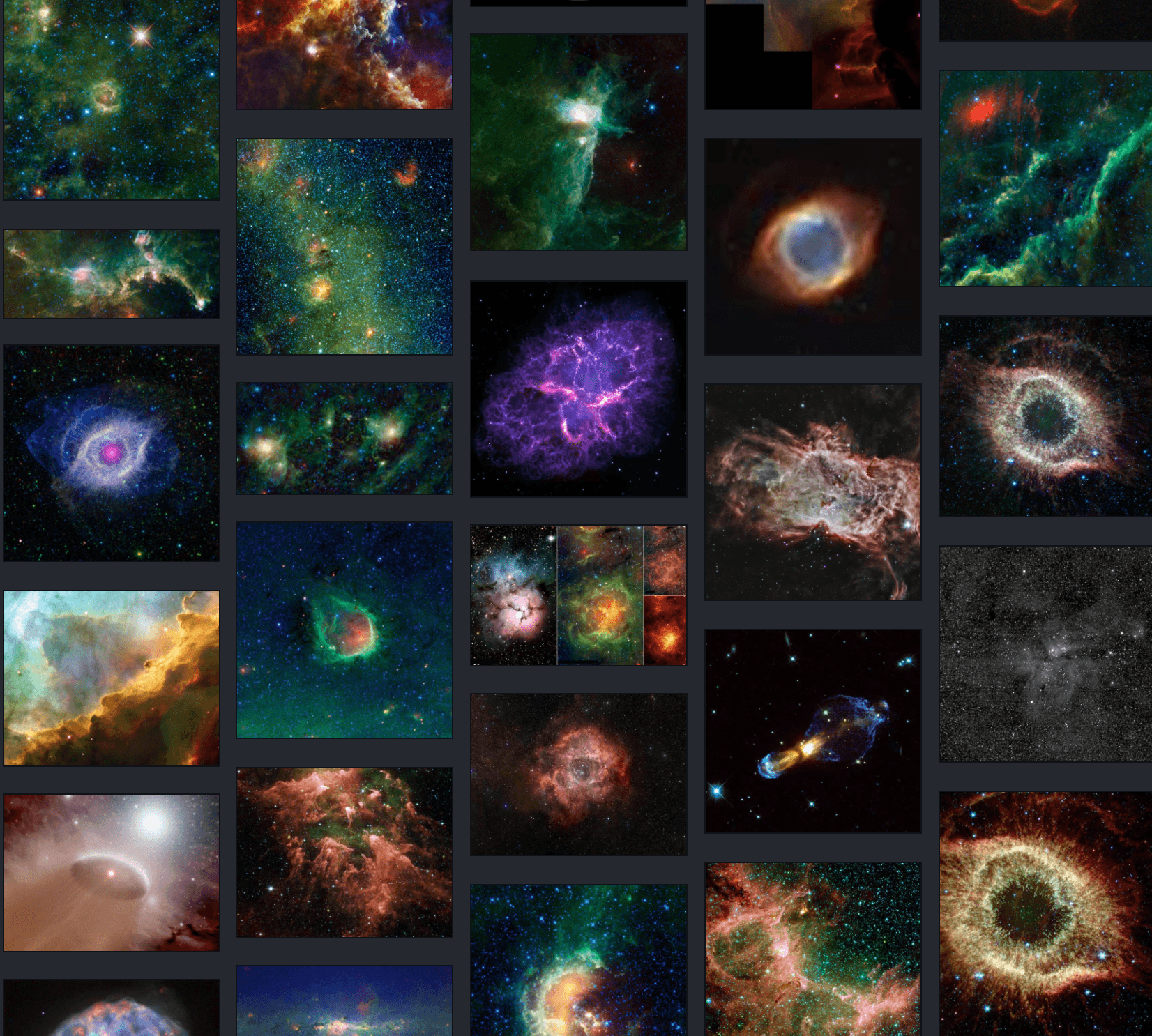
→ Grid view: offers the entire collection with a CRTV overlay for vibes

→ Feed view: Get a closer look at each image and its data
Bringing the project to life! Initially prototyped in Figma, I led product design and collaborated with a developer assistant to architect the system. I chose languages like p5.js for a CRT-inspired landing interface, and built the archive platform using modern web frameworks like React and Next.JS with performance and accessibility in mind. I implemented:
Admin login with role-based permissions so team members could upload and organize visual content securely.
EXIF metadata extraction, allowing contributors to upload photos that retained location, time, and camera data—turning every upload into a narrative.
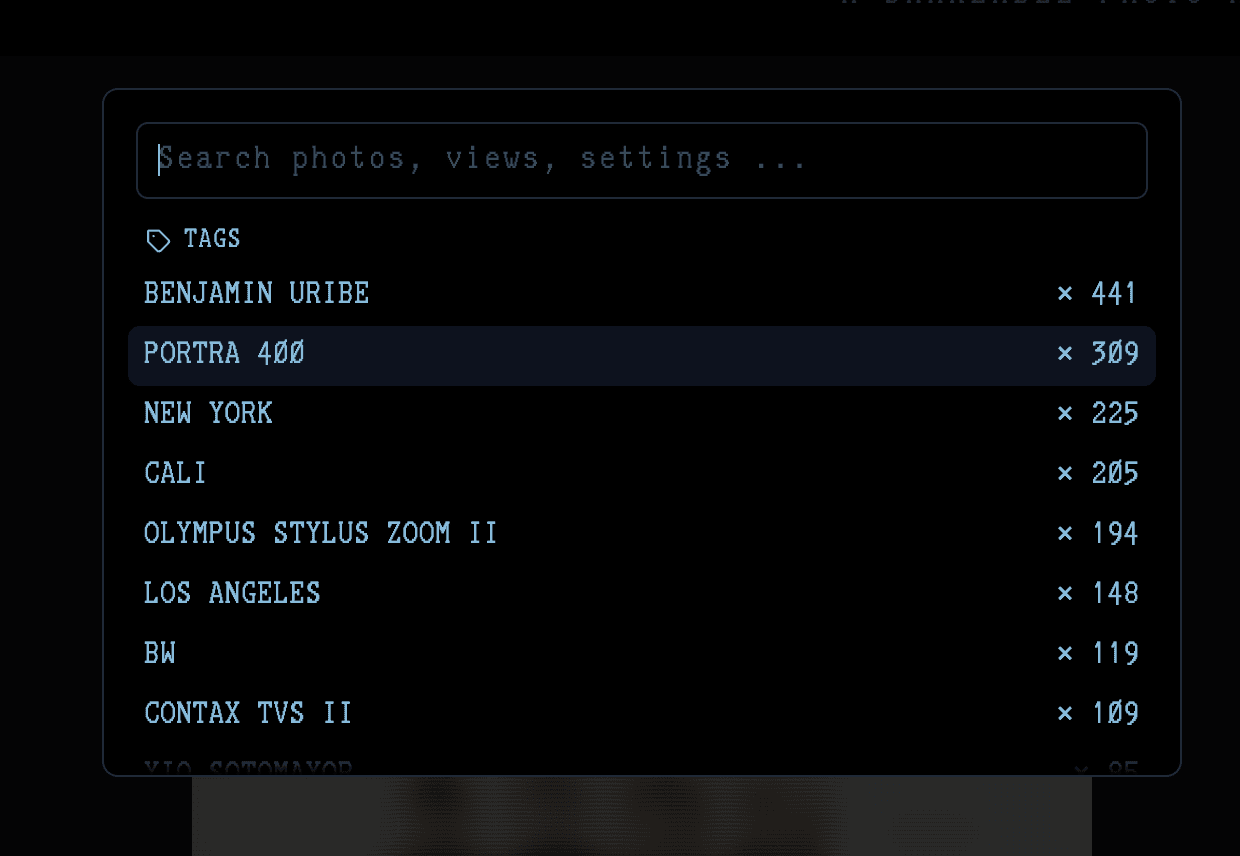
Infinite scroll, OG image generation, dark/light mode toggle, and a CMD-K search function to allow fluid internal access and browsing.
❗️ built with Sam Becker’s open source photo blog maker
A members-only tool + supporter interface in one

→ Admin Dashboard - Internal view for Bum Diary Blog members

→ The Pinterest find that inspired the visual identity of it all

→ Batch edit + uploads from the Admin POV
Backed by data, the entire system’s UI was designed with a photo-first philosophy: gallery-like layouts, minimal typography, and spatial breathing room.
From a branding and UX standpoint, I created a matrix-style digital clock landing screen that uses real-time PST data. This clock also doubles as an ambient navigation experience, tying the archive’s ethos to themes of time, memory, and location—specifically, the Inland Empire and Brooklyn.
Features
The platform was built with a robust set of features to enhance both creator workflow and audience experience:
Built-in auth
Photo upload with EXIF extraction
Organize photos by tag
Infinite scroll
Light/ CRT dark mode
Automatic OG image generation
CMD-K menu with photo search
Learnings
This was my first experience using every tool in this stack outside of Figma. Creating my first repo's, learning how to use Cursor and Claude to write Next.JS code, experimenting in p5.js, and then of course, executing my ideas. It was a exhaustive process, but my designer brain was re-wired for the best. Can I call myself a design engineer now?
→ p5 fun.
Internally, the BUM DIARY team cut their content-publishing time by 85%, with more consistent tagging, archiving, and photo contributions across coasts.
The project validated my design instincts and pushed me technically—building a functional archive system, performance-optimized landing interface, and dynamic user experience without relying on prebuilt CMS tools like WordPress.
For our audience, it’s now more than just a blog—it’s a living memory capsule, made for us, by us.